

A Google Business Profile (GBP) is one of the most powerful free marketing tools available for local businesses. Whether you own a restaurant, law firm, digital marketing agency, retail store, or service-based business, an optimized Google Business Profile can help you appear in Google Search, Google Maps, and the Local Pack, bringing more calls, website visits, and customers.
In this complete 2026 guide, you’ll learn how to optimize your Google Business Profile to improve local rankings, attract more customers, and grow your business.
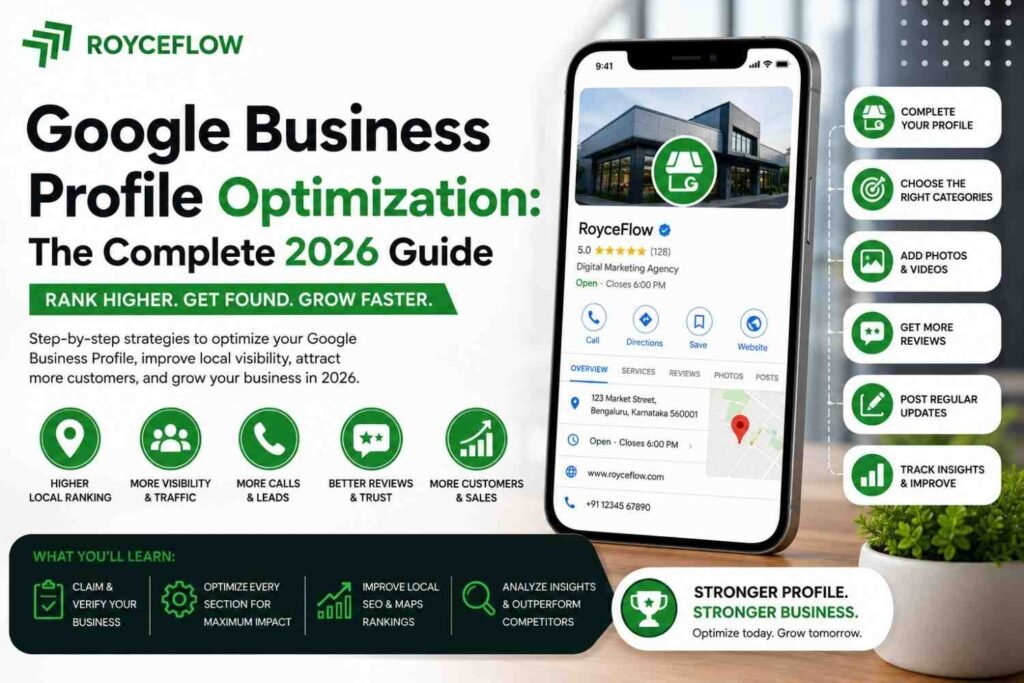
What Is Google Business Profile?
Google Business Profile (formerly Google My Business) is a free business listing that allows companies to manage how they appear across Google Search and Google Maps.
Your profile can display:
- Business name
- Address
- Phone number
- Website
- Business hours
- Reviews
- Photos
- Services
- Products
- FAQs
- Posts
- Directions
- Messaging options
A well-optimized profile helps customers find and trust your business.
Why Google Business Profile Matters in 2026
Consumers increasingly rely on Google Maps and local search before making purchasing decisions.
An optimized profile can help you:
- Increase local visibility
- Rank higher in Google Maps
- Generate more phone calls
- Drive website traffic
- Receive more customer reviews
- Build trust and credibility
- Increase foot traffic
- Generate qualified leads
If you serve a local area, GBP should be a core part of your digital marketing strategy.
Claim and Verify Your Business
The first step is claiming your Google Business Profile.
Verification confirms that you own the business and allows you to manage your listing.
Depending on your business, verification may be available through:
- Video verification
- Phone verification
- Email verification
- Live video call
- Postcard (for some businesses)
Complete verification before making further optimizations.
Complete Every Profile Section
Google favors complete business profiles.
Make sure you fill out:
- Business name
- Primary category
- Secondary categories
- Business description
- Phone number
- Website
- Address
- Service areas
- Opening hours
- Holiday hours
- Attributes
- Appointment links
Avoid leaving any important fields blank.
Choose the Right Business Categories
Your primary category has a significant impact on your local rankings.
For example:
- Digital Marketing Agency
- Real Estate Agency
- Dentist
- Roofing Contractor
- Restaurant
- Law Firm
Add relevant secondary categories that accurately describe your services without overloading your profile.
Write an SEO-Friendly Business Description
Your business description should clearly explain:
- What your business does
- Who you serve
- Your experience
- Your specialties
- Your location
- Your unique selling points
Keep it natural and informative rather than stuffing keywords.
Add High-Quality Photos
Businesses with quality images generally receive more engagement.
Upload photos of:
- Exterior
- Interior
- Team members
- Office
- Products
- Services
- Equipment
- Projects
- Before-and-after work
- Company logo
Use high-resolution images and update them regularly.
Upload Videos
Short videos help customers understand your business.
Consider uploading:
- Office tours
- Product demonstrations
- Customer testimonials
- Team introductions
- Behind-the-scenes videos
- Service explanations
Videos improve user engagement and build trust.
Add Your Products and Services
Don’t leave your Products and Services sections empty.
Include:
Services
- Detailed service names
- Descriptions
- Pricing (optional)
- Service categories
Products
- Product images
- Product descriptions
- Pricing
- Purchase links
These sections provide more opportunities to appear in relevant searches.
Keep Business Information Accurate
Consistency is essential.
Ensure your:
- Business name
- Address
- Phone number
- Website
- Business hours
remain identical across your website, directories, and social media profiles.
This consistency strengthens local SEO.
Collect More Customer Reviews
Reviews are one of the strongest local ranking factors.
Encourage satisfied customers to leave honest reviews after every completed project or purchase.
Good practices include:
- Asking politely
- Sharing a direct review link
- Following up after service
- Responding to every review
Never purchase fake reviews or incentivize dishonest feedback.
Respond to Every Review
Responding to reviews shows professionalism and customer care.
For positive reviews:
- Thank the customer
- Personalize your response
- Invite them back
For negative reviews:
- Stay professional
- Acknowledge the concern
- Offer to resolve the issue
- Avoid arguments
Timely responses build trust with future customers.
Publish Google Business Posts
Google Posts help keep your profile active.
Post regularly about:
- New services
- Promotions
- Company updates
- Events
- Blog articles
- Seasonal offers
- Customer success stories
- Industry tips
Fresh content signals that your business is active.
Optimize for Local SEO
Google Business Profile works best alongside a strong local SEO strategy.
Optimize your website by:
- Creating location pages
- Using local keywords
- Embedding Google Maps
- Adding Local Business schema
- Publishing local content
- Building local citations
Your website and GBP should complement each other.
Add Frequently Asked Questions
The Questions & Answers section can address common customer concerns.
Examples include:
- What areas do you serve?
- Do you offer free consultations?
- What are your business hours?
- Do you provide emergency services?
- How can customers book appointments?
Providing answers saves customers time and increases confidence.
Enable Messaging
Google allows customers to contact businesses directly.
Messaging helps you:
- Answer questions quickly
- Generate leads
- Book appointments
- Improve customer satisfaction
Respond promptly to maintain a positive experience.
Monitor Business Insights
Google Business Profile provides valuable performance data.
Track metrics such as:
- Profile views
- Search impressions
- Website clicks
- Phone calls
- Direction requests
- Photo views
- Search queries
Analyze trends regularly to improve your marketing strategy.
Common Google Business Profile Mistakes
Avoid these common errors:
- Incomplete profile information
- Wrong business category
- Outdated business hours
- Low-quality photos
- Ignoring reviews
- Keyword stuffing in the business name
- Inconsistent contact information
- Rarely updating your profile
- Using fake locations
- Neglecting customer questions
Correcting these issues can improve both rankings and customer trust.
Best Practices for 2026
To maximize your Google Business Profile performance:
- Update photos monthly
- Publish posts weekly
- Respond to reviews within 24–48 hours
- Keep business hours current
- Monitor insights regularly
- Maintain consistent business information
- Add new services as your business grows
- Encourage genuine customer reviews
Consistency is more important than making one-time updates.
Frequently Asked Questions
Is Google Business Profile free?
Yes. Google Business Profile is completely free to create and manage.
How long does it take to rank on Google Maps?
Ranking depends on factors such as relevance, distance, competition, reviews, profile completeness, and website authority. Improvements can take several weeks to several months.
How many photos should I upload?
There is no fixed limit, but businesses should upload high-quality photos regularly. Aim for at least 20–30 images across different categories and continue adding new ones over time.
How important are reviews for local SEO?
Reviews play a major role in local search rankings. A steady stream of genuine, positive reviews can improve visibility and increase customer trust.
Can I manage multiple business locations?
Yes. Google Business Profile supports businesses with multiple verified locations, allowing each location to have its own profile and local optimization.
Conclusion
Google Business Profile remains one of the most effective free tools for improving local visibility and attracting nearby customers. By completing every section of your profile, selecting the right business categories, adding high-quality photos and videos, collecting authentic reviews, publishing regular updates, and combining your profile with a strong local SEO strategy, you can significantly improve your presence in Google Search and Google Maps.
Success with Google Business Profile isn’t about making one big change—it’s about consistently maintaining an accurate, active, and customer-focused profile. Invest a little time each week in updating your listing, engaging with customers, and monitoring performance, and you’ll build a stronger local presence that generates more traffic, leads, and sales throughout 2026 and beyond.
