

WordPress is a powerful open-source Content Management System (CMS) that allows individuals and businesses to create, manage, and publish websites with ease. From blogs and business websites to online stores and learning platforms, WordPress offers the flexibility, customization, and scalability needed to build almost any type of website without extensive coding knowledge.
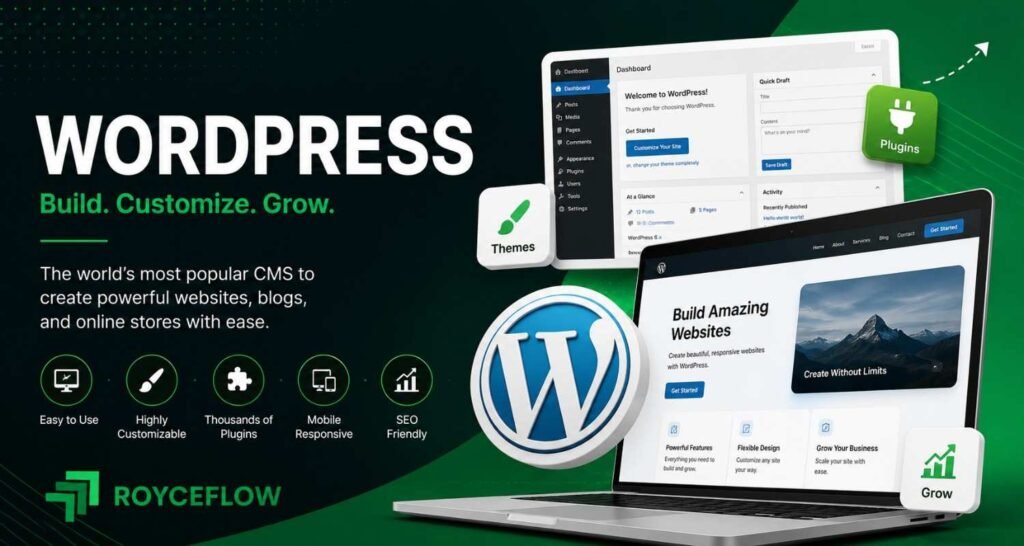
What is WordPress?
WordPress is a free and open-source Content Management System (CMS) that enables users to create, manage, and publish websites without extensive programming knowledge. Originally launched as a blogging platform, WordPress has evolved into a flexible website-building platform used for blogs, business websites, portfolios, eCommerce stores, online courses, and enterprise websites.
Today, WordPress powers millions of websites worldwide because of its flexibility, large ecosystem of themes and plugins, and user-friendly interface.
Why Use WordPress?
WordPress is popular because it offers an easy way to build and manage websites while remaining highly customizable.
Key benefits include:
- Beginner-friendly
- Open-source and free
- SEO-friendly
- Highly customizable
- Thousands of plugins and themes
- Mobile responsive
- Scalable for any website size
- Large global community
How WordPress Works
WordPress uses a database to store content and PHP to generate web pages dynamically.
The basic workflow includes:
Content Creation
Create pages, posts, media, and custom content using the WordPress editor.
Related Article: WordPress Editor
Themes
Themes control the appearance and layout of your website.
Related Article: WordPress Themes
Plugins
Plugins add new functionality without modifying the core software.
Examples include SEO, contact forms, backups, caching, and security.
Related Article: WordPress Plugins
Database
All website content, settings, users, and configurations are stored in a MySQL or MariaDB database.
Related Article: WordPress Database
WordPress.org vs WordPress.com
WordPress.org
The self-hosted version that gives complete control over your website, hosting, themes, plugins, and customization.
Related Article: WordPress.org
WordPress.com
A hosted platform that manages hosting and maintenance but offers different plans with varying customization options.
Related Article: WordPress.com
Types of WordPress Websites
WordPress can be used to build many types of websites.
- Business Websites
- Blogs
- Portfolios
- eCommerce Stores
- News Websites
- Membership Websites
- Educational Platforms
- Forums
- Booking Websites
- Nonprofit Websites
Essential WordPress Components
A typical WordPress website includes:
Dashboard
The central administration panel for managing your website.
Posts
Content published in chronological order, typically used for blogs and news.
Pages
Static content such as About, Contact, and Services pages.
Media Library
Stores images, videos, PDFs, and other uploaded files.
Categories
Used to organize related posts into broad topics.
Tags
Provide more specific labels for content.
Menus
Help visitors navigate your website.
Widgets
Display additional content in sidebars, footers, or widget-enabled areas.
Users
Manage roles and permissions for administrators, editors, authors, contributors, and subscribers.
WordPress Features
Some of WordPress’s most useful features include:
- Custom Post Types
- Custom Taxonomies
- Block Editor (Gutenberg)
- Theme Customizer
- Plugin Support
- User Management
- Media Management
- REST API
- Multisite Support
- SEO-Friendly URLs
WordPress SEO
WordPress provides a strong foundation for SEO.
Best practices include:
- Use SEO-friendly URLs
- Optimize page titles and meta descriptions
- Create XML sitemaps
- Improve website speed
- Optimize images
- Use internal linking
- Implement structured data
- Ensure mobile responsiveness
Related Article: WordPress SEO
Popular WordPress Plugins
Common plugins include:
- Yoast SEO
- Rank Math
- LiteSpeed Cache
- WPForms
- Elementor
- WooCommerce
- Wordfence Security
- UpdraftPlus
- Smush
- Redirection
Common WordPress Mistakes
Avoid these common issues:
- Installing too many plugins
- Ignoring updates
- Weak passwords
- Not creating backups
- Using poorly coded themes
- Uploading unoptimized images
- Ignoring website security
- Not optimizing performance
- Using default permalink settings
- Neglecting SEO
Frequently Asked Questions
Is WordPress free?
WordPress is free and open-source software. However, you’ll typically need web hosting and a domain name to publish a website.
Do I need coding skills?
No. Most websites can be built using themes, plugins, and the block editor without writing code.
Can WordPress be used for eCommerce?
Yes. Plugins such as WooCommerce allow you to build and manage online stores.
Is WordPress good for SEO?
Yes. WordPress provides SEO-friendly features and supports plugins that help optimize websites for search engines.
Related Hub Articles
- What is a Content Management System (CMS)?
- WordPress.org vs WordPress.com
- WordPress Dashboard
- WordPress Themes
- WordPress Plugins
- Gutenberg Block Editor
- Elementor
- WooCommerce
- WordPress SEO
- Custom Post Types
- Custom Taxonomies
- WordPress Security
- WordPress Performance Optimization
- WordPress Backup
- WordPress Hosting
- WordPress Migration
- WordPress Updates
- WordPress Permalinks
- XML Sitemaps
- Robots.txt
